
Computer Vision · Cameras and real time
Video Analytics with AI: Where It Pays Off for Companies
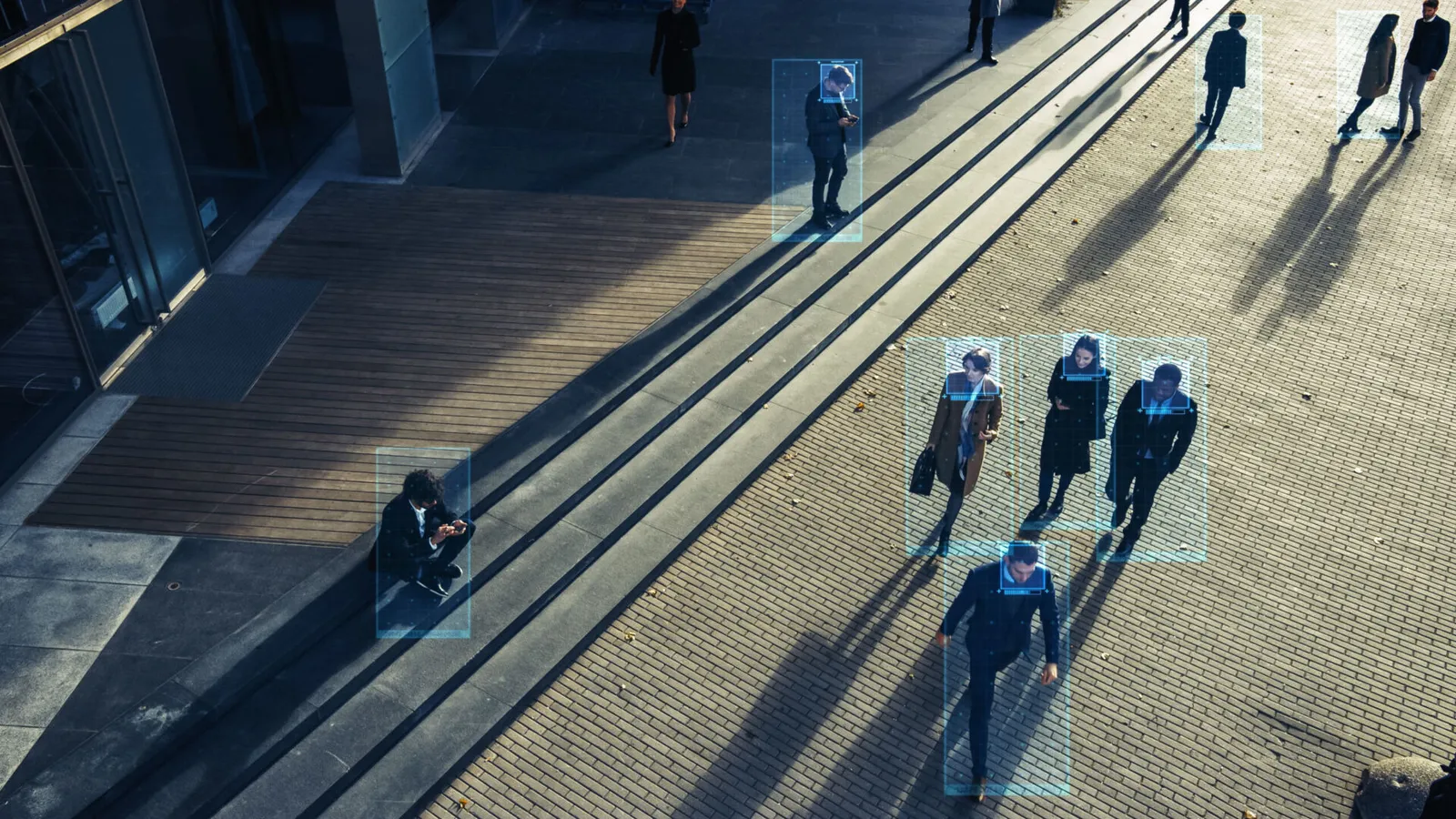
In many companies, cameras already produce images that nobody evaluates systematically. AI video analytics detects objects, workflows and deviations in them automatically and in real time. Where that creates real value, what it takes and what to watch for on data protection.
 Julia Rose
Key takeaways
- AI video analytics uses computer vision and deep learning to detect objects, movements and text in videos and live streams.
- It pays off especially in quality control, workplace safety, counting and occupancy, and movement analysis.
- Existing cameras are often enough if angle, lighting and resolution fit. Processing on the device keeps images in-house.
- Video analytics involving people is subject to the GDPR and the AI Act, and some uses are prohibited.
What AI video analytics does
In intelligent video analytics, AI models evaluate video footage, still images and live streams. Using computer vision and deep learning, they automatically recognise what is happening in the image and pass the results on as data, alerts or metrics. Four core functions sit behind this:
| Function | What it does | Example |
|---|---|---|
| Object detection and classification | Detects objects and classifies them by their features | Product types on the line, missing protective equipment |
| Segmentation | Determines pixel by pixel which image area belongs to which object | Surface defects, medical image analysis |
| Tracking | Follows objects or movements across many frames | Flow of goods, movement sequences |
| Text recognition (OCR) | Reads text from images and videos | Labels, markings, serial numbers |
Where video analytics pays off for companies
Quality control
Cameras on the production line inspect products, labels, shapes, textures and contamination, spot missing parts and report deviations immediately. That relieves inspection staff of monotonous visual checks. Our article LLMs in visual inspection shows how large language models with image understanding can help here too.
Workplace safety
Video analytics can check whether protective equipment is worn in designated areas or whether people are in danger zones, and issue warnings if needed.
Counting and occupancy
Building and transport operators need occupancy in real time, for safety rules, capacity management and planning. Counting by hand is hardly feasible across several entrances.
In practice: RapidLab
With RapidLab we built compact devices that automatically count people at entrances and exits, using time-of-flight sensors and computer vision. All processing runs directly on the device, with no cloud and no internet, and occupancy is available in real time.
Movement analysis
Several cameras capture movement in three dimensions and compare it with a target sequence, for example in rehabilitation, sport or ergonomics.
In practice: 3D movement analysis
In a research partnership we built a 3D personal trainer from Azure Kinect cameras, pose estimation and VR elements. It monitors rehab exercises in real time and corrects them automatically, at home and without a physiotherapist present.
What video analytics needs technically
Whether a use case works depends less on the model than on conditions on site:
- Image quality: angle, resolution, lighting and frame rate must suit the task. Small surface defects need different cameras from counting at a door.
- Example data: custom models need images of the situations to be recognised, often labelled. Rare defects are the biggest hurdle.
- Clear output: decide up front what happens with a result, whether an alert, a system entry or a dashboard metric.
- Operation: cameras get dirty, light changes with the time of day, products change. The system needs monitoring and occasional retraining.
On existing cameras, in the cloud or on the device
Many companies already have cameras installed. If angle, lighting and resolution fit, their streams can be analysed directly without new hardware. There are two ways to process them:
| On the device (edge) | Central or in the cloud | |
|---|---|---|
| Data protection | images never leave the device, only results are transmitted | video data is transmitted and must be protected |
| Connectivity | works without a network | needs stable bandwidth |
| Computing power | limited, models must be lean | large, suitable for demanding models |
| Best for | counting, simple detection, many sites | complex analyses, evaluation across many cameras |
Data protection and the AI Act
As soon as people are in the picture, the GDPR and rules on video surveillance apply. Principles such as data minimisation argue for processing only what the task really needs, such as counts instead of stored footage, and for processing images on the device where possible.
The EU AI Act draws further lines. Since 2 February 2025, certain practices have been prohibited, including emotion recognition in the workplace and in education, and the untargeted scraping of facial images from the internet or CCTV footage to build databases. Remote biometric identification systems are classed as high-risk AI. Anyone planning video analytics involving people should check this early. Our article on the EU AI Act gives an overview.
How to get started
- Choose a concrete task: one inspection step, counting point or safety area with clear value.
- Check the images: test with footage from existing cameras whether quality is sufficient.
- Build a prototype: train a model on real footage and measure accuracy.
- Plan operation: decide on processing location, data protection, monitoring and integration with existing systems.
More projects in image and video analysis are in our case studies.

Video analytics for your use case?
We check with you whether your existing cameras are enough, where processing should run and what a prototype with real footage looks like.
Request a process analysisFrequently asked questions
The automatic evaluation of videos, still images and live streams using computer vision and deep learning. It detects objects, movements, deviations and text and passes results on as data, alerts or metrics.
Often yes, if angle, lighting and resolution suit the task. Test footage can confirm this early.
No. Many tasks such as counting or simple detection run directly on the device. Then only the results leave the device.
It depends on the purpose. The GDPR and video surveillance rules apply, and the EU AI Act prohibits some practices such as emotion recognition in the workplace. Remote biometric identification is classed as high-risk AI.
Julia has been part of theBlue.ai since 2019 and has accompanied the development of AI applications in the enterprise environment since the company’s early days. In her role as Marketing Lead, she works closely with the engineering and consulting teams and makes complex technical topics understandable and accessible for decision-makers.
In her articles, she writes about practical experience from enterprise AI projects, as well as the challenges and opportunities of using AI in companies.